Your music shouldn’t go quiet when you join a call.
A menu-bar app for macOS. It stops the system from muting everything else during calls, and keeps your AirPods at full quality by using your Mac’s mic instead.
macOS 14 or later · No account · No kernel extension
Made for watching something together on a call
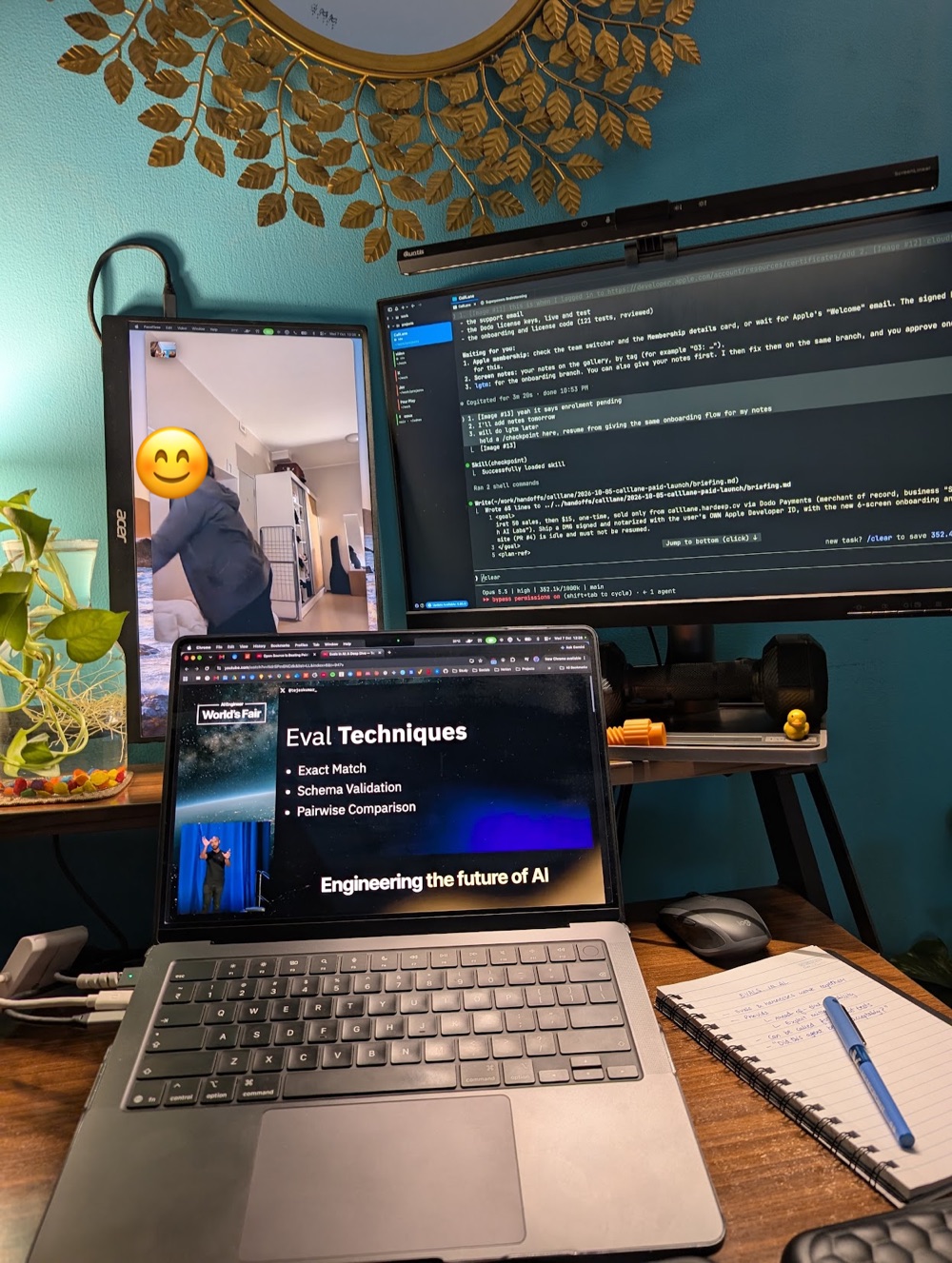
You are on FaceTime or WhatsApp with someone, and you press play on the same film. The second the call connects, the film drops to a whisper and the call sits on top of it. You turn the volume up, the call gets loud, the film is still quiet. CallLane ends that. The film plays at full volume, the call sits where you set it, and your AirPods sound like AirPods for the whole evening.
You are not the only one
“On full volume I can hardly hear anything.”
Apple Community
“Music from Spotify sounded like it was being transmitted over AM frequency.”
edwinb.co.uk
“Audio ducking doesn’t deactivate after the call. The only fix is restarting my Mac.”
Apple Community
“Your voice goes from studio-quality 48 kHz to walkie-talkie 16 kHz mono.”
Issue report
“It has been a decade that people are facing this issue.”
Apple Community
“The ‘fix’ of switching to the internal mic is not really a fix. It’s a workaround.”
StackExchange
Two fixes in one menu-bar icon
Media stays loud.
The moment a call starts, macOS drops every other sound by about 20 dB. No setting turns it off. CallLane gives your call app its own audio device, so the ducking applies to the call and nothing else. Music, videos and games stay at full volume.
Your headphones stay at full quality.
On a call, your Mac switches to your headphones’ microphone. Bluetooth can’t carry high-quality audio and a mic at once, so everything collapses to tinny headset quality. CallLane pins the input to your Mac’s built-in mic, which sounds better anyway, so your AirPods keep streaming at full quality.
Works with FaceTime, WhatsApp, Zoom, Meet, Slack, Teams and Discord.
How it compares
| App | Stops call ducking | Keeps AirPods in high quality | Automatic | Price |
|---|---|---|---|---|
| CallLane | Yes | Yes | Yes | $9 launch price, one-time |
| SoundSource | No | No | No | $49 |
| Audio Hijack | Partlymanual routing | No | No | $69 |
Prices as of October 2026.
Get CallLane
$9
One-time. No subscription.
Launch price for the first 50 downloads. Then $15.
Buy CallLane, $9Secure checkout by Dodo Payments.
- Signed and notarized installer
- One key works on up to 3 Macs
- Free updates for version 1. CallLane tells you when one is out.
- 14-day refund, no questions asked
After you buy
After checkout you land on a page with your license key and the download for CallLane.dmg. The key is also in your receipt email.
Double-click CallLane.pkg. macOS asks for your admin password once. The installer puts the app in /Applications, adds an audio driver and restarts audio for about 3 seconds.
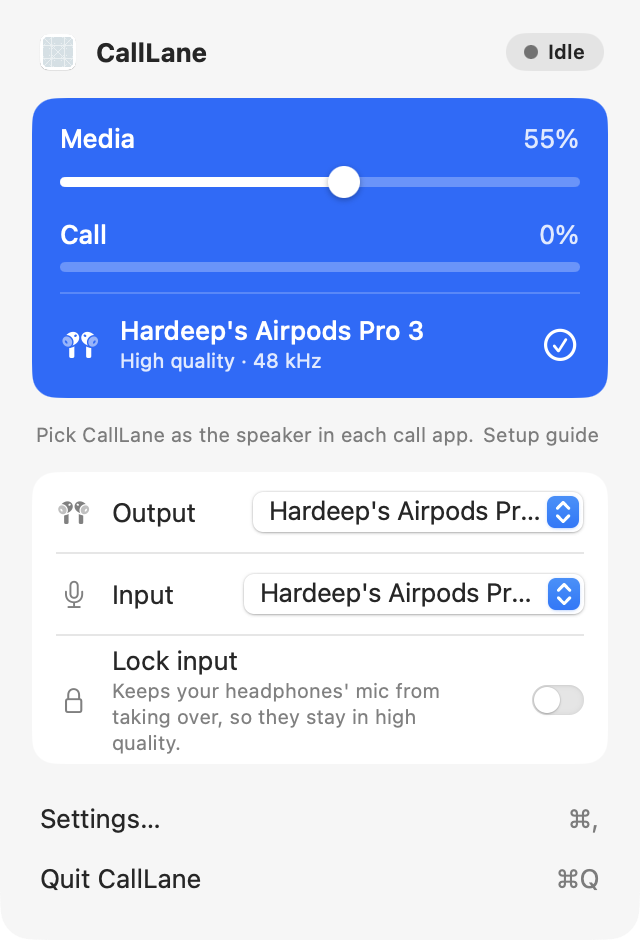
It opens by itself when the install finishes. Allow microphone access, paste your key on the License step and play the test tone. Then pick “CallLane” as the speaker in each call app, once per app.
Questions
What do I get?
A signed and notarized installer for macOS with the CallLane menu-bar app and its audio driver, and a license key. After checkout you land on a page with the key and the download.
Do I get updates?
Yes. Every version 1 update is free. CallLane tells you when one is out; download it and run the installer again.
How many Macs can I use it on?
One key works on up to 3 Macs. To move it, deactivate a Mac in CallLane’s Settings.
What is the refund policy?
If CallLane doesn’t work for you, email support@hardeep.cvwithin 14 days and I’ll refund you in full. No questions asked.
What happens after the first 50 downloads?
The price goes to $15. If you bought at the launch price, you keep your copy and every version 1 update.
Which macOS and headphones work?
macOS 14 or later. I test it on macOS 26 with AirPods Pro 3. The quality fix helps any Bluetooth headphones that drop to headset quality when their mic turns on, AirPods included. Wired headphones and speakers don’t have that problem, but CallLane still keeps your media loud during calls.
Does CallLane touch my microphone or send data anywhere?
No. CallLane reads its own hidden audio tap. It never touches your real microphone. It asks for microphone access because macOS treats that tap like a mic. No account, no analytics, no network calls.
Does it replace SoundSource or Audio Hijack?
No. SoundSource sets volume per app and Audio Hijack records and routes audio. CallLane does one job: your call stops ducking everything else, and your headphones keep their full quality. If you use those apps for their own jobs, keep them.
How do I uninstall it?
Click the phone icon in the menu bar, choose Settings, and click Uninstall CallLane at the bottom. macOS asks for your admin password. CallLane puts your input device back, removes its audio driver and moves itself to the Trash. Audio restarts for about 3 seconds.
How do I contact you?
Email support@hardeep.cv.
Honest limits
- It adds about 10 to 15 ms of latency to call audio. Imperceptible in use.
- Spatial Audio and head tracking may not apply to the call.
- Requires macOS 14 or later. Tested on macOS 26 with AirPods Pro 3.
Privacy
No account, no analytics, no network calls. CallLane reads its own hidden audio tap. It never touches your real microphone.
Keep the music up on every call
One menu-bar app, one purchase. Calls stay clear, music stays loud, and your AirPods keep their full quality.
macOS 14 Sonoma or later · Apple silicon and Intel